Send photos and documents
Move the files you need from one device to another, for personal tasks or work.

FOR PRODUCTIVITY
DROPIOAvailable on
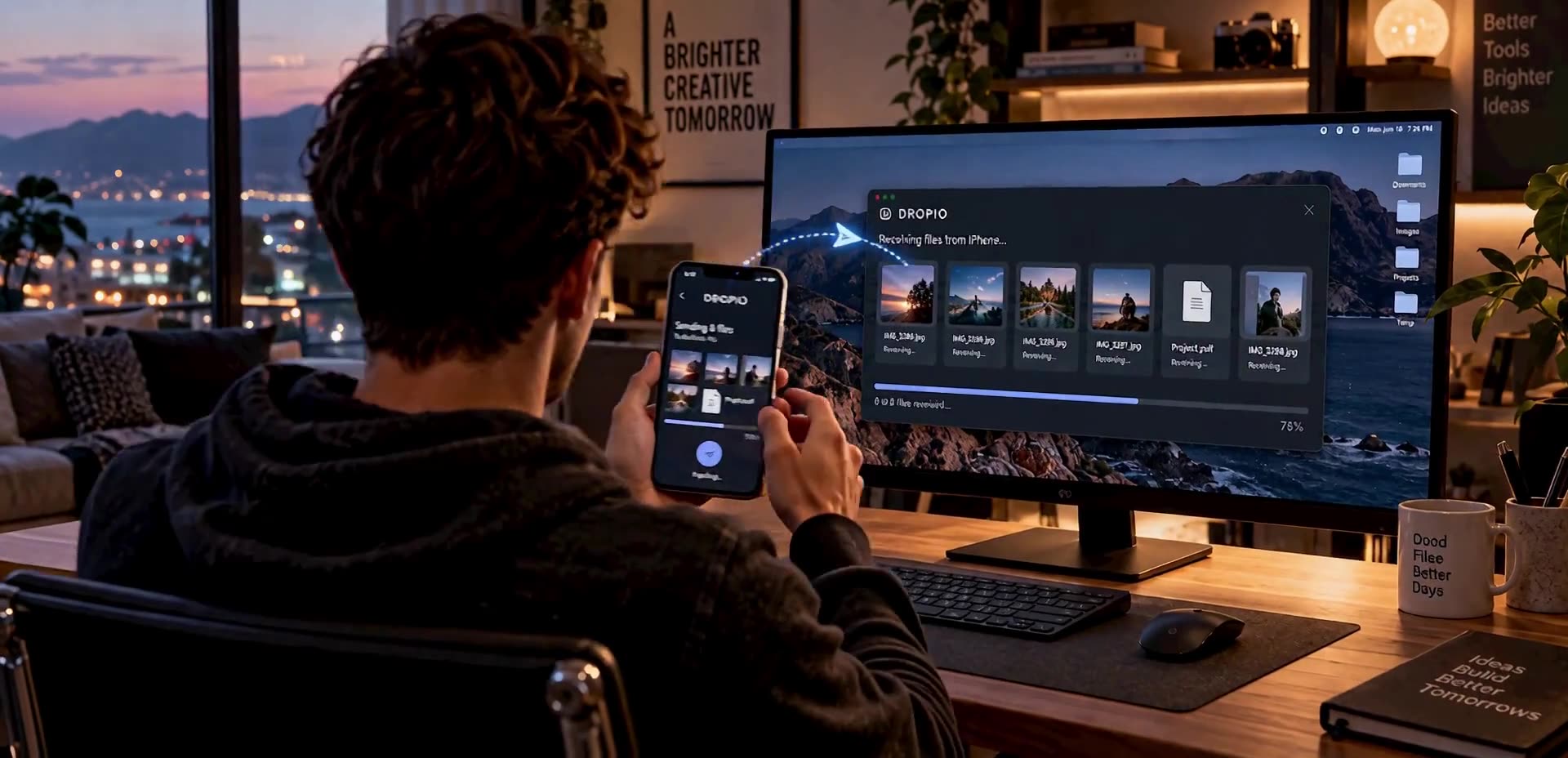
DROPIO connects phones and computers to send files, text and links directly, without reducing the quality of your photos or videos.
Discover more productsDROPIO is designed to move photos, documents and other files between your devices. If something is on your phone and you need it on your computer, transferring it should not become a project of its own.
The app focuses on the small handoff we make so often: send what you need, then return to the work, conversation or memory that made the transfer worthwhile. Fewer steps around the file; more time to use it.
Move the files you need from one device to another, for personal tasks or work.
Carry on with the device that suits the task without leaving your prepared files behind.
Do not let a simple transfer pull you away from the task you actually wanted to finish.
DROPIO is designed to make moving a file between devices feel as natural as choosing it and sending it. A connection can start with a QR code or temporary code, and a computer needs only a browser, not another installed programme.
One device gets ready to receive; the other scans a QR code or enters a temporary code. That connects two phones or a phone and computer.
DROPIO is not limited to photos. It covers documents, videos, audio, archives and even things you might otherwise copy between messages.
Where possible, files travel between devices through a peer-to-peer or local-network connection. The server would help establish the connection rather than store or analyse the content.
A big video needs more than a Send button. The design includes transferring data in chunks and making progress easy to understand.
The planned model lets people use DROPIO for free with an AdMob banner. Anyone who prefers a cleaner experience can remove advertising with a one-time payment.
Direct connections and some advanced features depend on the device, browser and network. The architecture is intended to avoid storing files on DROPIO servers.
You have taken a photo on your phone and need it in a presentation on your computer. DROPIO makes that device switch a natural step, so you can get back to the presentation.