Use your phone as a remote
Access TV control actions from your phone rather than relying on the physical remote every time.
FOR ENTERTAINMENT
REMO TVAvailable on
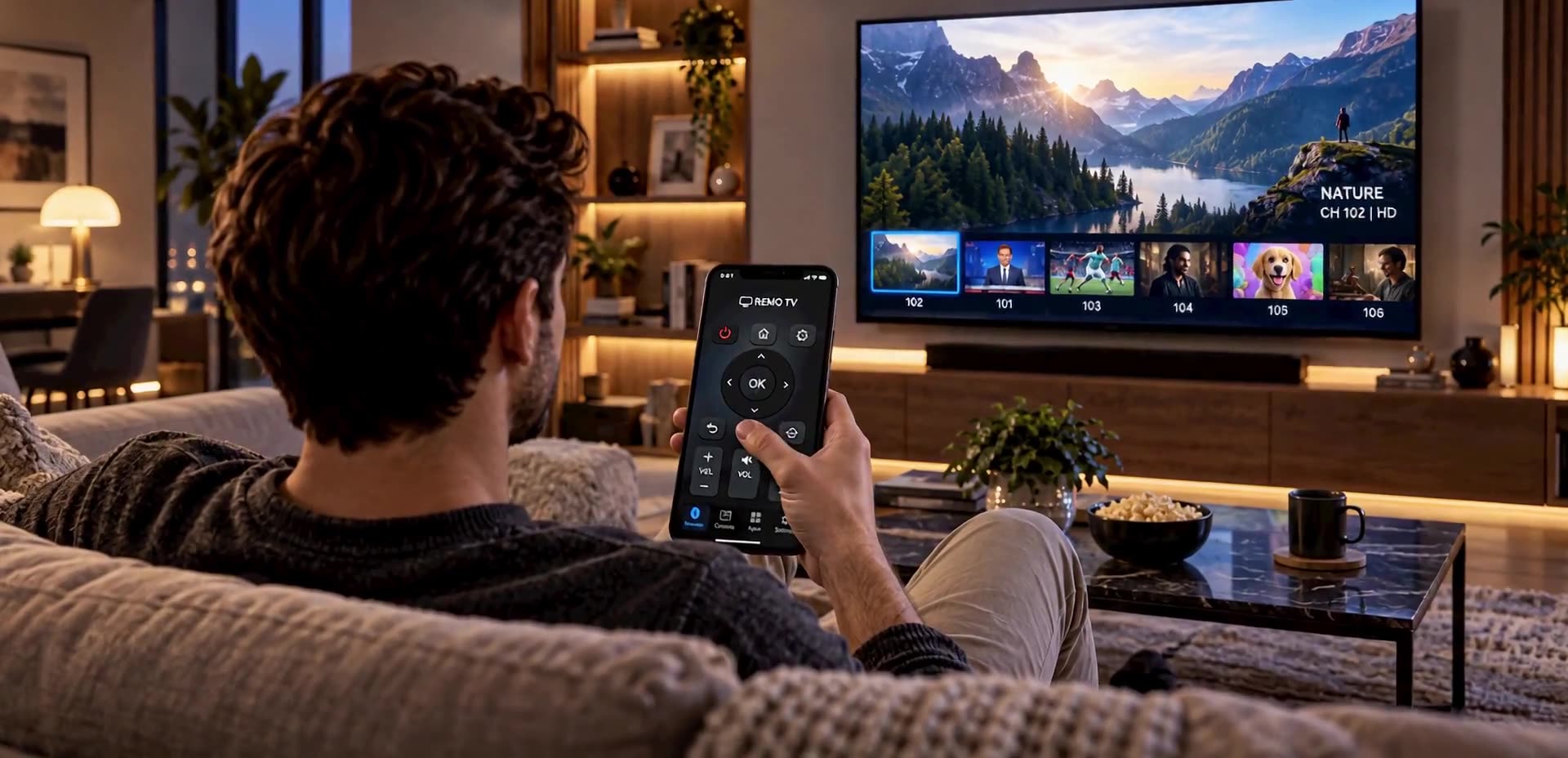
REMO TV turns the phone you already use into a remote for compatible televisions, with familiar controls and entertainment shortcuts.
Discover more productsREMO TV brings controls for your television and other entertainment devices to your phone. The idea is simple: an everyday action, like changing what you are watching, should not depend on finding another device.
Instead of interrupting a film to look for the remote, you can reach for the phone that is usually nearby. It is designed to make home entertainment feel a little more convenient.
Access TV control actions from your phone rather than relying on the physical remote every time.
Bring TV and compatible entertainment-device controls into a more accessible experience.
Change what you watch or adjust the experience without breaking the moment to hunt for another control.
REMO TV aims to turn your phone into a universal remote for TV and entertainment. It discovers compatible devices, remembers those you have paired and shows the controls each one can use.
With your phone and TV on the same Wi-Fi network, REMO TV looks for compatible devices. Once you select and authorise one, the app can remember it for next time.
A clear screen brings the familiar actions together. REMO TV is designed to detect a TV's capabilities and hide or disable controls that the model cannot support.
Alongside general TV controls, the interface includes shortcuts to television and entertainment services. A shortcut opens the corresponding app only when the TV and platform allow it.
Not every TV uses the same technical language. REMO TV therefore plans brand-specific connectors and prioritises direct control across the local network where possible.
Power on, channels, keyboard input and shortcuts depend on the TV's brand, model, protocol and installed apps; not every control works on every television.
You settle onto the sofa, the snacks are ready and the remote is nowhere to be found. REMO TV offers the natural answer: use the phone already in your hand and carry on watching.